Auto Call Recorder is a free Android app to record incoming and outgoing calls on Android. This Android call recorder app record calls automatically on your Android phone. You don’t have to enable or disable anything, as the app always works in background on your Android phone.
As soon as any call lands on your Android phone, the app awakes automatically and start recording the call on Android. Same goes with all the outgoings call too.
The only negative point which I didn’t like about this call recorder app is that, the app records audio of only one party depending upon the audio source selected. Apart from this, the app works excellent on Android phone.

Check out AutoCallRecorder app to record call on Android reviewed by us.
Some Key Features Of Auto Call Recorder App To Record Calls:
- You can record calls your Android phone with this Android call recorder app.
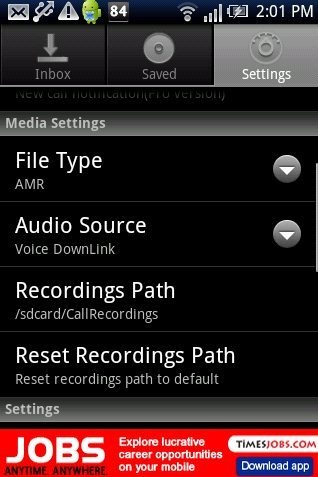
- You can select different audio source from within the app.
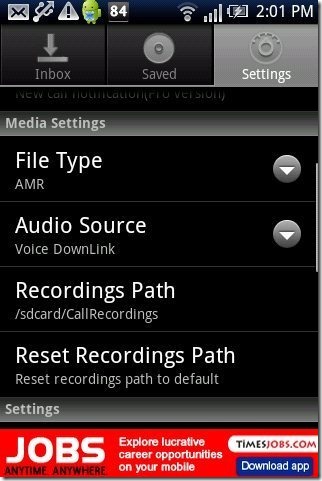
- The app saves all you recording automatically to SD card.
- The app allows you to change the audio format to 3gp, AMR and Wav.
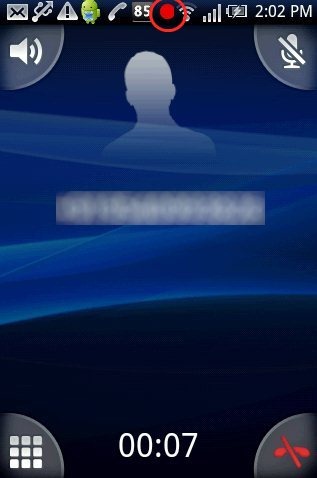
- The app works automatically on incoming and outgoing call.
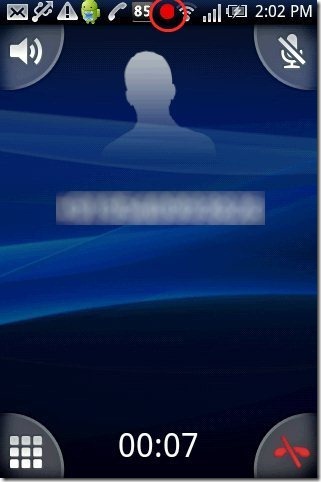
- You can select specific contact on which you want the app to record the calls.
- The app displays all the recordings with the numbers from which the call landed or call made.
Take a look on Call Recorder apps for Android reviewed by us.
How To Install Auto Call Recorder App On Android:
- Scan the QR code with Barcode Scanner app.

- Don’t want to scan the QR Code? Then login to Android Market.
- Tap on search tab.
- Search for “Auto Call Recorder” app in Android Market.
- Tap on install option.

The free Auto Call Recorder app will be automatically installed. Now record calls easily on your Android and listen to them anytime when you require. Customize your recordings according to your needs and show your smartness by making the recordings work automatically in background.
