Syncplicity is a free backup and syncing suite that can sync your files and folders on multiple computers, and also store them online. Free version of Syncplicity supports 2GB of file storage, and keep files in sync across 2 computers. If you need more computers or more storage, you can try Microsoft Live Mesh, or Dropbox.
On their website, Syncplicity states that their tools are powerful enough for a business situation, but are also simple enough that a novice could also use their systems without being overly confused. Everything that the system does manages to be comprehensive whilst still maintaining the level of simplicity that gives the free backup suite its name.
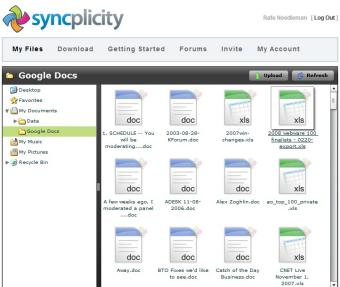
Synchronize Easily and Securely Online
This free backup suite is very simple to use and provides an easy way to automatically synchronize your backup files online. Syncplicity is easy to initially setup and then after that is almost entirely automatic, ensuring that your online backups are completely up to date. All of the files are easily accessible through your online account, meaning that your important files and documents are available to you all of the time, regardless of which computer you are using.
Syncplicity comes with versioned real time backup, which means you can revert to any previous version of a file, and instantly restore backups in case of data loss.
Syncplicity is exactly the kind of software that those who are somewhat lazy with backups will use regularly. Other file syncing software that we reviewed earlier include: Microsoft Sync, FAST, and Synchredible.
It makes it far easier for users to continuously keep their files up to date online than any other backup suite. It hardly requires any user intervention throughout the backup process, working constantly to ensure that your files are as they should be: safe and secure. If you just
Features of Syncplicity:
- Access all of your files and documents anytime from anywhere.
- Manage your files without lifting a finger.
- Easy to setup and continue to use.
- Share files and folders with colleagues quickly and securely.
- 2GB limit on file storage (with free account).
- Protect your files with security.
- Automatic synchronization.
Thoughts…
Syncplicity is a free backup suite which is simple and also comprehensive. However, the free version has limitations which drastically limits how effective the software is to the business user. For those who will only use it for their home computer to keep files backed up, it is an excellent tool. The limitation of 2GB is a bit of turn off. If you just need to backup your files online, you can try GoAruna, ADrive, or Wuala.
