GrabInbox is a free online application which acts like a single inbox and helps a user to manage multiple social networks easily. Manage social networks such as Facebook, Twitter, LinkedIn accounts and other fan pages. With GrabInbox, you can also have your Facebook and Twitter messages scheduled for free. It is like grabbing every inbox from different social networking sites into a single inbox or a single account.
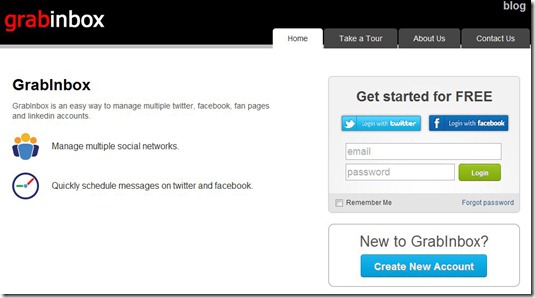
People nowadays love keeping in touch through social channels, adding comments, liking pictures, posting tweets and following people. Isn’t it messy and annoying to open every account you have in different social networking sites just to be updated. You then wish to have a single inbox or account wherein you can manage multiple social networks and to solve this dilemma, here comes GrabInbox.
GrabInbox is a single Inbox web application run by two developers for you to manage multiple social networks easily.
Features Of This Single Inbox Application:
With GrabInbox, you can do the following:
- Manage multiple social networks.
- Add multiple fan pages, Facebook, Twitter and LinkedIn accounts.
- Easily manage all multiple accounts you have added.
- Post or share messages, links and other updates in all your social channel accounts at once.
- Schedule messages into different social networks.
- Get notified and be updated with every reply and new message without monitoring every social networking site.
- View updates with tabs that you can freely customize.
- Share favourite web pages using bookmarklet and plugin.
- Read notifications and account content with an easy-to-use interface and manageable layout.
How to Manage Multiple Social Networks using This Single Inbox Application?
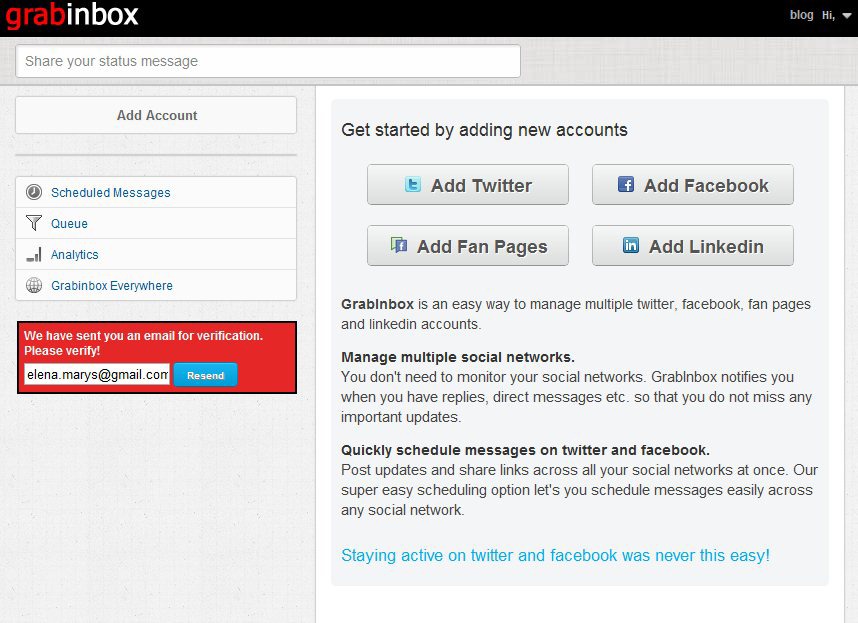
If you are new to GrabInbox, select “Create New Account” to have a free account. After signing up, GrabInbox will then send you an email to verify your account. Once done, you can now add new accounts to get started.
If you want to add any of your Twitter, Facebook, Fan Pages and LinkedIn accounts, just click the corresponding button found in your page. You can also add multiple accounts in any of the said social channels. You will then be required to put your time zone for GrabInbox to identify the right time of when to post your updates. Then select the tabs you want to monitor like Top News, Most Recent and Wall.
You will get notifications when there are updates on your selected tab. You then have to provide your own timeslots on when to schedule your posts. You can also click the “Queue” button in the status update panel to try this scheduling option. After adding your social accounts, the number of wall posts, news feed and most recent posts will then be visible in your update window.
In a single click, you can now view posts and manage multiple social networks easily. By going to “Analytics”, the number of retweets on each tweet will be displayed including the list of users who retweeted your tweets.
With GrabInbox, you can now manage multiple social networks at once. You can also check out MultiMi reviewed by us.
